Convert Your Home Into a Smart Home: Step-by-Step
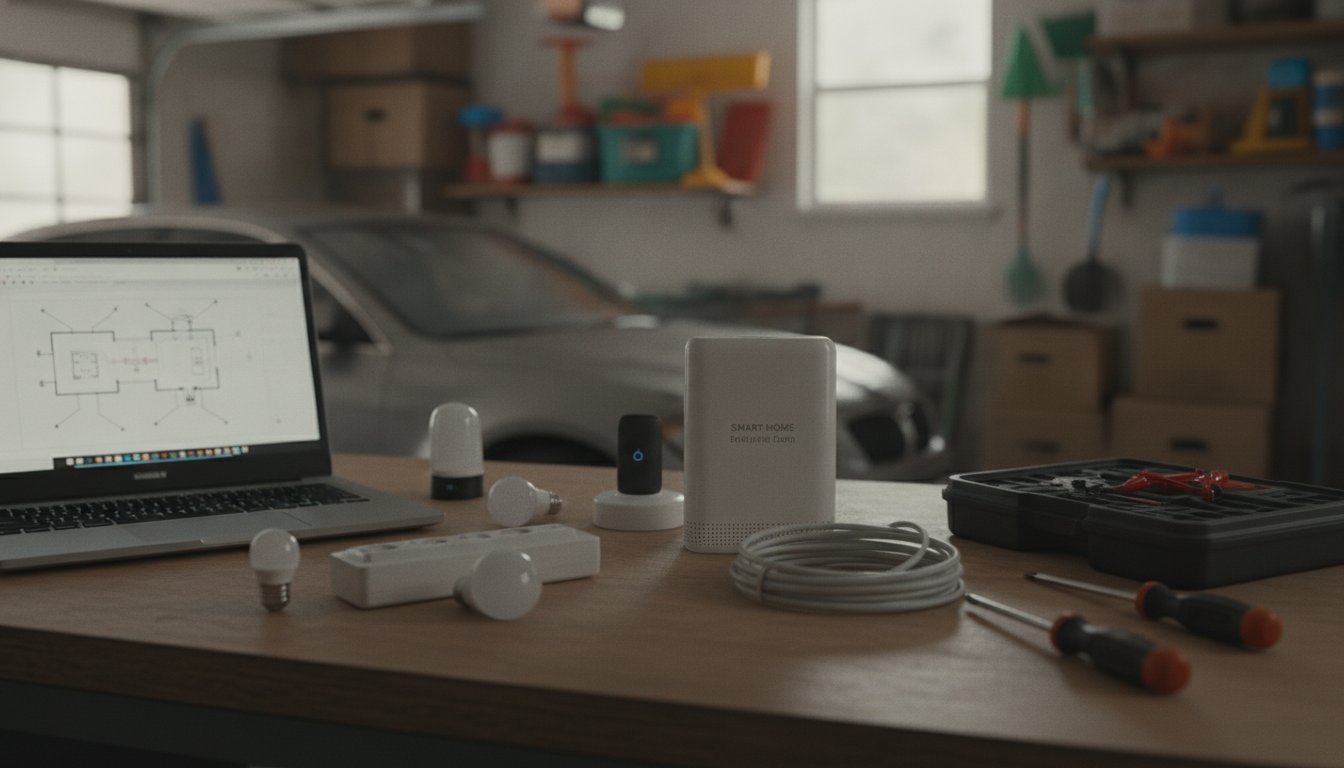
How do I convert my home into a smart home?
Start by deciding what you want to improve first: convenience (lights and plugs), comfort (thermostat and fans), security (locks and cameras), or entertainment (TV, speakers, projector). A smart home works best when you build it in layers, keep devices on the same ecosystem, and prioritize a strong network.
1) Choose a smart home platform
Pick one primary hub/app to reduce setup headaches: Amazon Alexa, Google Home, or Apple Home. If you can, favor devices that support Matter (and Thread when available) so brands work together more reliably over time.
2) Upgrade your Wi‑Fi before buying a pile of devices
Most “smart” frustrations are really Wi‑Fi issues. If your home has dead zones, add a mesh system or a better router, and consider a dedicated guest/IoT network if your router supports it. Place routers away from thick walls and large appliances that can interfere with signals.
3) Start with quick wins: smart lights and plugs
Smart bulbs or smart switches let you automate schedules, scenes, and voice control. Smart plugs are an easy way to control lamps, fans, and small appliances without replacing hardware. Begin with a single room, then replicate what works.
4) Add comfort and energy savings
A smart thermostat and temperature sensors can automatically adjust heating/cooling based on routines and occupancy. Smart blinds and ceiling fan controllers can further reduce energy use while keeping rooms comfortable.
5) Improve security thoughtfully
Smart locks, doorbells, and cameras should be installed with privacy in mind: strong passwords, two-factor authentication, and regular firmware updates. Set up motion zones and notifications to avoid constant alerts.
6) Make entertainment feel “smart”
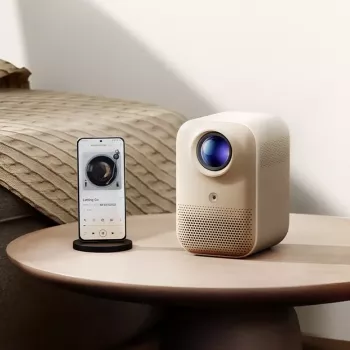
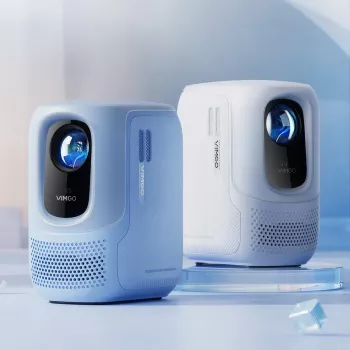
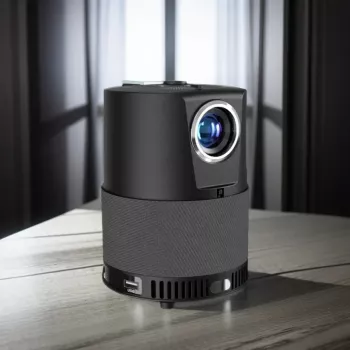
Smart speakers, streaming devices, and a projector setup can create a living room that responds to voice commands and automation. For a deeper look at building a connected entertainment space, visit this smart home theater projector living room setup guide.
FAQ
What’s the best smart home device to buy first?
A smart speaker or display is a great first purchase because it becomes your control center for voice commands, routines, timers, and quick access to connected devices.













Leave a comment