Metro vs Fluent: What Replaced Metro Design Style?

What replaced Metro design style?
Answer
Metro design style was largely replaced by Microsoft’s Fluent Design System. Metro (also called “Modern UI”) became widely known through Windows Phone and Windows 8, with its flat surfaces, bold typography, and tile-based layouts. As Microsoft’s products expanded across PCs, tablets, Xbox, mixed reality, and web experiences, the company shifted toward a broader visual language that could add depth and adaptability without losing clarity.
Fluent Design began rolling out publicly around 2017 and became the guiding system for Windows 10 updates and newer Microsoft apps. Compared with Metro’s strict flatness, Fluent introduced more dimensional cues and richer interaction patterns—while still keeping interfaces clean and readable. The most recognizable changes include:
- Light and highlight effects: Subtle emphasis that guides attention (rather than relying only on color blocks and typography).
- Depth and layering: Overlapping surfaces, shadows, and elevation to clarify what’s on top and what’s actionable.
- Material textures: Effects like Acrylic (a soft translucency) that suggest a “surface” instead of a flat panel.
- Motion and responsiveness: Transitions that reinforce cause-and-effect, making navigation feel more natural.
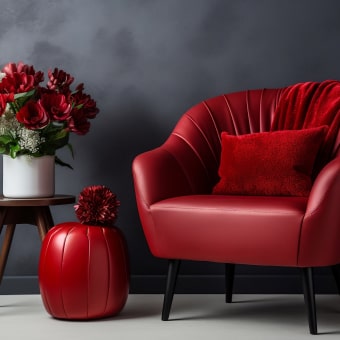
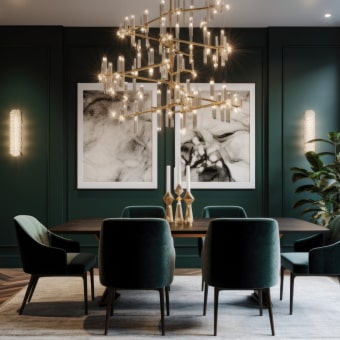
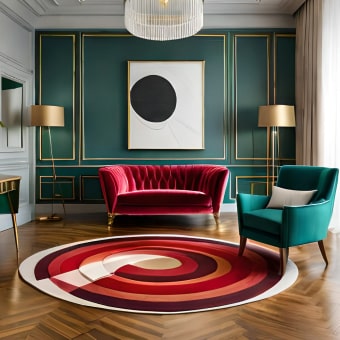
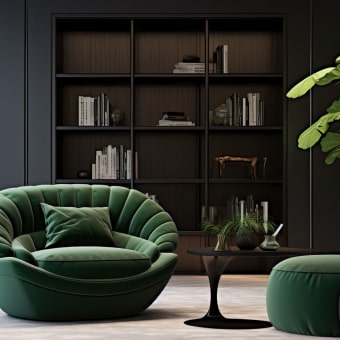
In practice, the shift from Metro to Fluent mirrors a broader trend in modern aesthetics: moving from ultra-minimal, strictly flat design to “warm minimalism” and layered simplicity. That’s useful beyond screens, too—think home decor that still feels streamlined but uses texture, contrast, and subtle dimension (matte + glass, soft textiles + metal accents) to keep a space from feeling stark.
If you’re mapping out a look for your own space—whether you lean modern, minimalist, or somewhere in between—use a room-by-room approach to keep choices consistent. A simple starting point is this quick guide and checklist: https://happyproductsmarket.shop/guide-quick-home-decor-style-quiz-room-by-room-checklist/.
FAQ
What is the difference between Metro and Fluent Design?
Metro is a flatter, typography-forward style built around bold color blocks and tiles. Fluent Design keeps clean layouts but adds depth, light, motion, and material effects (like translucency) to create more layered, modern interfaces.












Leave a comment