Mini Full HD Portable Projector Setup for Movie Nights
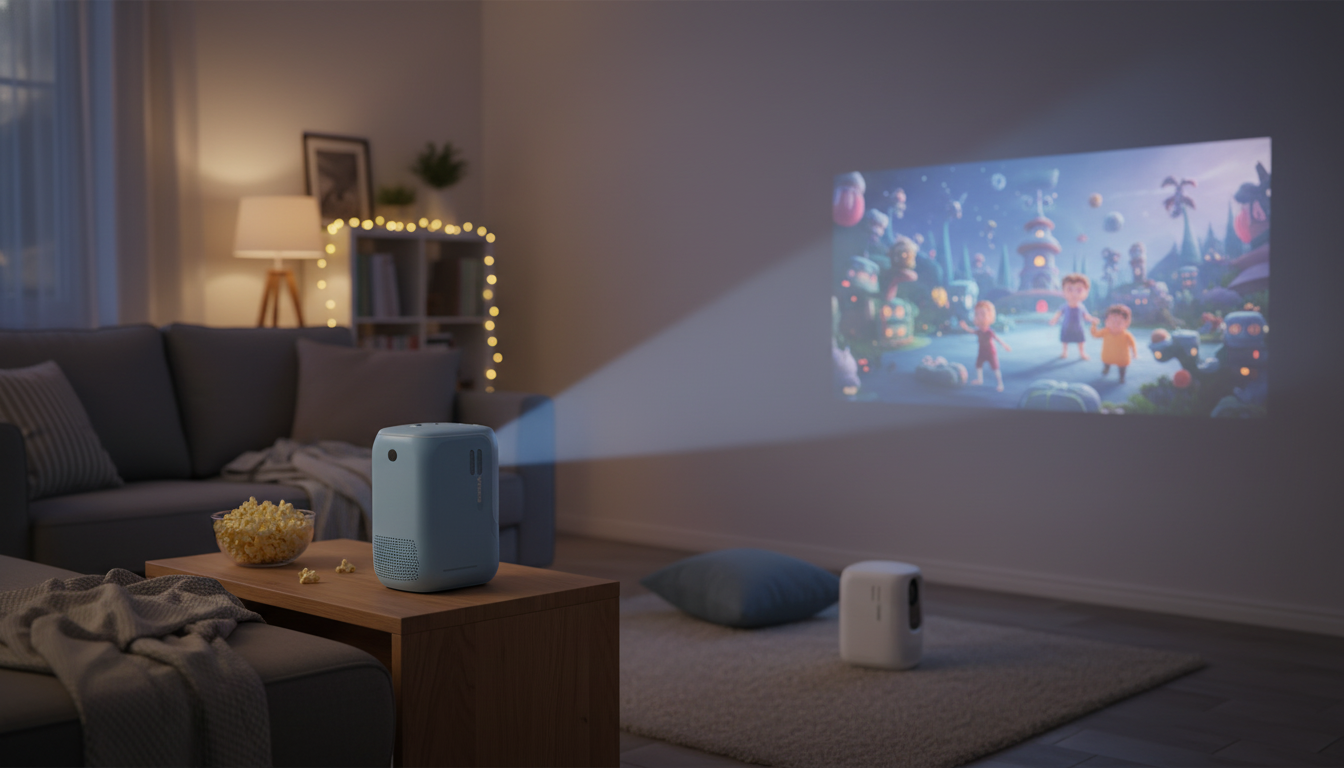
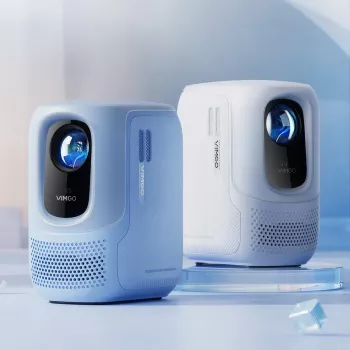
Mini Portable Full HD Projector: Your Ultimate Home Theater Experience
Turn a blank wall into movie night in minutes. A mini portable Full HD projector can deliver a big-screen feel without a permanent TV setup—ideal for apartments, bedrooms, dorms, and backyard gatherings. The right setup choices make a noticeable difference, from placement and focus to lighting control and sound. For deeper specs and comparison basics, resources like ProjectorCentral can help decode projector terminology and real-world performance.
What a mini portable Full HD projector adds to a home setup
- Big-screen flexibility: scale the image to fit the room, from casual viewing to cinema-style sizes.
- Portable placement: move it from living room to bedroom, or take it outdoors for occasional events.
- Space-saving alternative: useful where a large TV or fixed mount is impractical.
- Multi-use entertainment: movies, streaming, sports, casual gaming, and slideshows for gatherings.
Quick start: placement, focus, and getting a straight image
- Choose the surface first: a smooth white wall works, but a dedicated screen can improve perceived contrast and uniformity.
- Control ambient light: dim lamps, close curtains, and avoid direct light hitting the projection area.
- Set a stable base: a sturdy table or tripod reduces shake; keep ventilation clear to avoid heat buildup.
- Align the lens: center it with the screen area to minimize keystone correction and preserve sharpness.
- Adjust focus last: after the projector warms up for a few minutes, fine-tune focus for crisp text and subtitles.
Picture quality essentials that affect the real-world experience
- Resolution vs. source quality: Full HD content looks best when the streaming device and app output 1080p.
- Brightness perception: a darker room can make a modestly bright projector feel dramatically more vivid.
- Contrast and black levels: matte walls and a controlled lighting setup help blacks look deeper.
- Color accuracy: start with a neutral picture mode and avoid overly saturated presets for natural skin tones.
- Motion handling: sports and action films benefit from stable frame output from the source device.
Sound options: built-in audio vs. external speakers
- Built-in speakers are convenient for casual viewing, but external audio usually delivers fuller dialogue and bass.
- Bluetooth speakers simplify setup, but may introduce delay; wired connections often minimize latency.
- Soundbar placement: position below the screen area and keep volume moderate to prevent echo in smaller rooms.
- Late-night viewing: pair with Bluetooth headphones if supported, or connect headphones to the source device.
For a quick overview of home theater audio fundamentals (and why dialogue clarity can change dramatically with better speakers), see Dolby’s home theater resources.
Connectivity and streaming: making it simple and reliable
- Use a dedicated streaming stick/box for smoother app support and easier updates than many built-in systems.
- Prefer HDMI for stability and best image quality; keep cable runs short and tidy.
- If using wireless casting, ensure strong Wi‑Fi and reduce interference by moving the router closer.
- For gaming, test input response with the intended console/device and enable any low-latency mode available.
- Power planning: use a surge protector and avoid blocking the adapter to reduce heat buildup.
HDMI remains the most dependable “plug in and play” path for consistent video and audio output; for standards background, reference the HDMI specification overview.
Home theater setup checklist (quick decisions that matter most)
| Item | Best choice for most rooms | Why it helps |
|---|---|---|
| Projection surface | Screen or smooth matte wall | Improves uniformity and perceived contrast |
| Room lighting | Dim/controlled | Makes the image look richer and more detailed |
| Source device | Streaming stick/box via HDMI | More reliable apps and consistent output |
| Audio | Soundbar or powered speakers | Clearer dialogue and better impact |
| Placement | Centered, stable, well-ventilated | Sharper image with less correction and safer operation |
Where a mini portable projector shines: room-by-room ideas
Care, longevity, and safe everyday use
Styling the space for a more cinematic feel
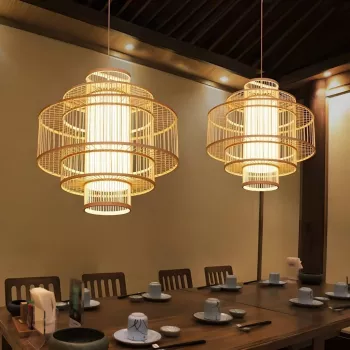
If you want the setup to look intentional in daylight hours, anchor the seating area with the Luxury Marble Round Coffee Table with Gold Stainless Steel Base, then hide streaming gear and cables inside a Rustic Wood Sideboard. For a warm, layered glow that still feels elevated when the projector is off, consider the Southeast Asian-Inspired Bamboo and Rattan Pendant Chandelier.
Product pick: a compact option for a big-screen night
The Mini Portable Full HD Projector: Your Ultimate Home Theater Experience is a compact approach to creating an at-home big-screen experience without a permanent installation. It pairs especially well with a dedicated streaming device over HDMI and a simple external speaker or soundbar for more impact. For the sharpest-looking picture, prioritize controlled lighting, centered placement, and a stable surface or tripod—then fine-tune focus after the projector has warmed up.
FAQ
Does a portable Full HD projector work well in a bright room?
It generally looks best in dim or controlled lighting. Close curtains, turn off nearby lights, and consider a projection screen designed to handle more ambient light if daytime viewing is a must.
What’s the easiest way to stream movies to a projector?
An HDMI streaming stick or box is typically the simplest and most reliable option for stable apps and consistent 1080p output. Wireless casting can work well too, but it depends heavily on Wi‑Fi strength and interference.
How can audio be improved without a complicated setup?
A soundbar or powered speakers are easy upgrades that improve dialogue clarity and bass. Bluetooth is convenient but can add a slight delay; a wired connection often reduces latency.










Leave a comment