Are 4K Mini Projectors Worth It? What “4K” Really Means
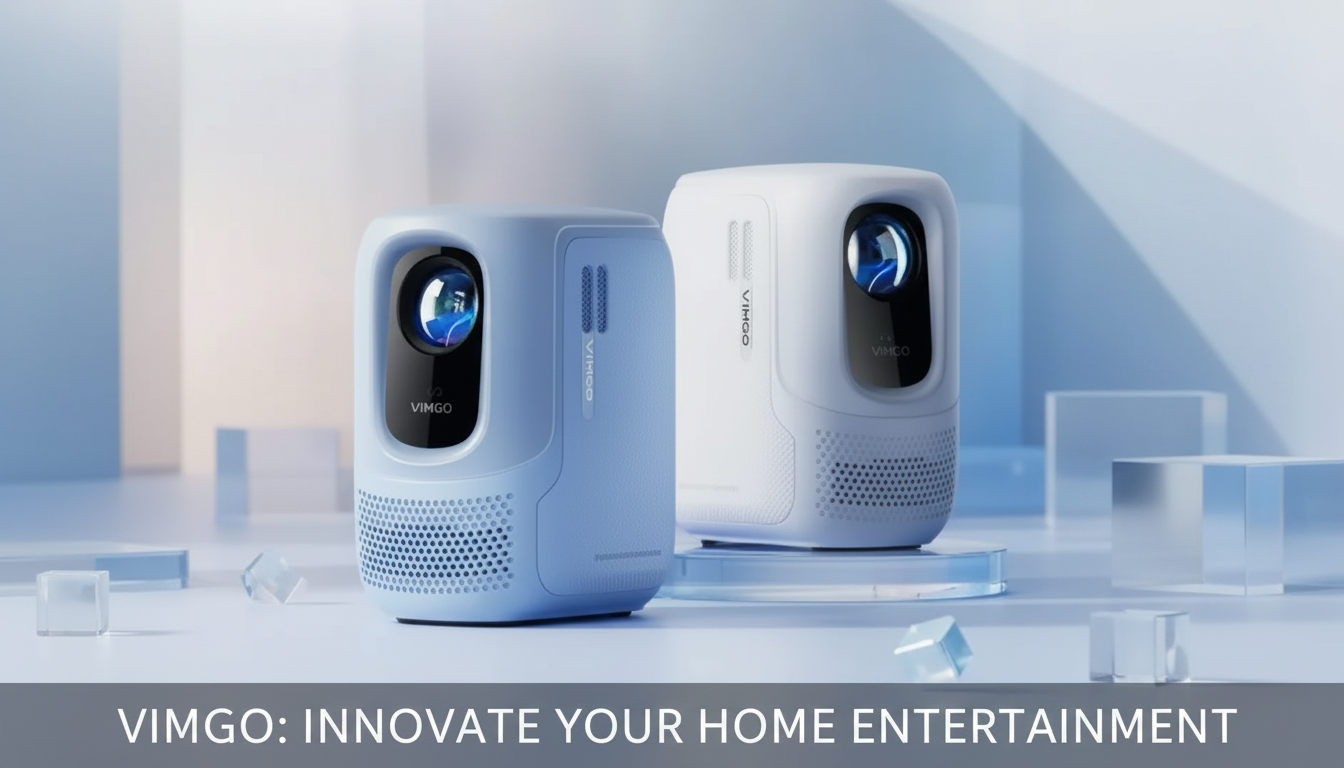
Are 4K mini projectors any good?
They can be very good, but “4K mini projector” covers a wide range of products. The best ones deliver a sharp, cinema-like picture in the right setup, while budget models often rely on upscaling (accepting a 4K signal but displaying fewer real pixels). The difference shows up most on larger screens and with crisp content like text, menus, and detailed scenes.
When a 4K mini projector is worth it
A true 4K or high-quality pixel-shift mini projector can look impressive for movie nights, especially in a dark room with a decent screen or smooth, light-colored wall. You’ll notice cleaner edges, more fine detail, and less visible pixel structure compared to 1080p—particularly at 100 inches and above. If you stream 4K content, play modern consoles, or sit fairly close to a large image, the upgrade can be noticeable.
Where “4K” can disappoint
Many compact projectors marketed as 4K are actually 1080p (or lower) native resolution and simply accept a 4K input. That doesn’t automatically mean they’re bad, but expectations should match reality. Brightness is another common limitation: mini projectors tend to struggle in rooms with ambient light, so colors can look washed out unless the lights are dimmed. Also, focus uniformity can vary on smaller, cheaper optics—center sharp, corners softer.
How to judge a 4K mini projector quickly
Check native resolution first (not just “supports 4K”). Then look for real-world brightness measurements, HDR handling (many claim HDR but show minimal benefit), and connectivity that fits your setup (HDMI for streaming sticks, consoles, or a receiver). For sound, built-in speakers are fine for casual use, but pairing with a soundbar or Bluetooth speaker usually improves the experience.
For practical tips on placement, focus, and getting the best picture from a compact projector, see this mini projector setup guide for movie nights.
FAQ
What should I look for when buying a mini projector for a bright room?
Prioritize higher real-world brightness and good contrast, then plan on using a proper screen and controlling light where possible. In brighter spaces, even a great resolution can look flat if the projector can’t push enough light.













Leave a comment