AI Routine Planner for Kids: Calm, Flexible Daily Schedules
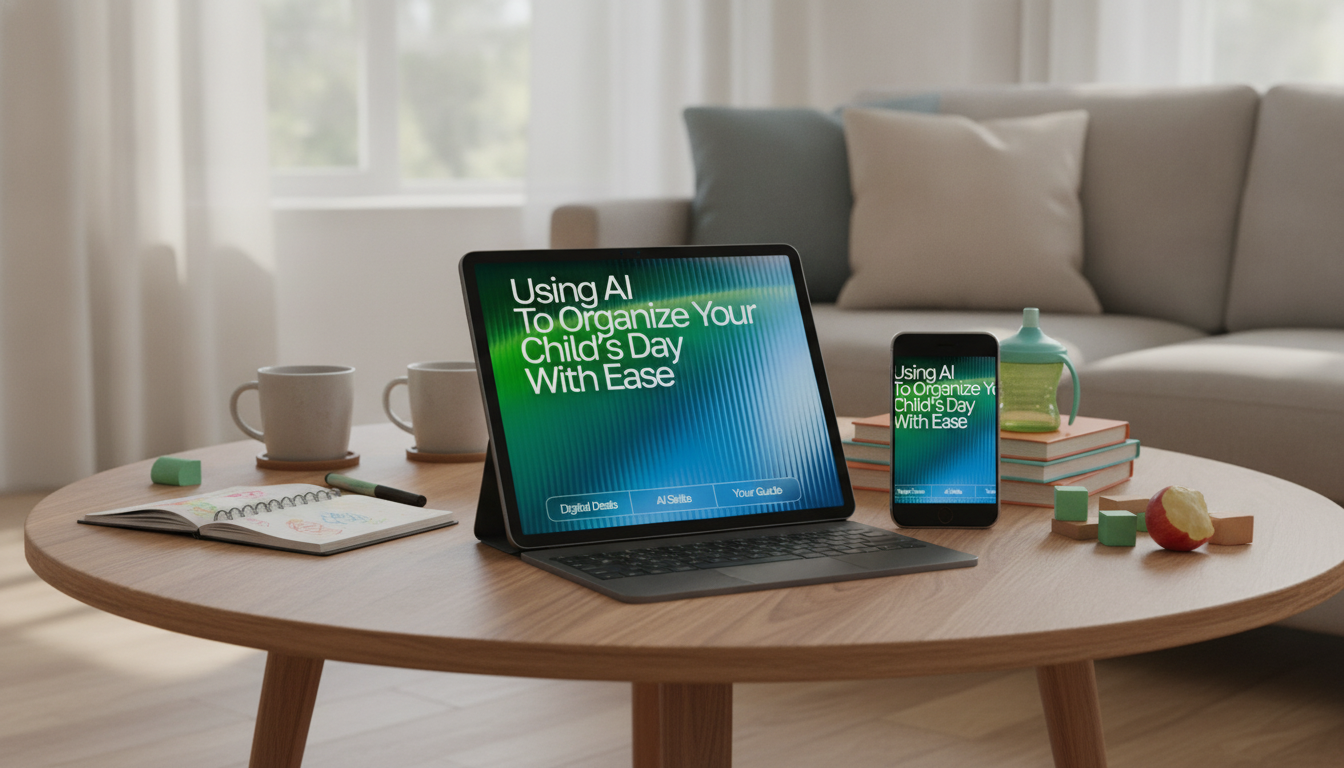
Using AI to Organize Your Child’s Day with Ease: A Smart Routine Planner for Busy Families
A predictable daily rhythm can reduce power struggles, missed tasks, and last‑minute chaos. With an AI routine planner, families can turn priorities (school, meals, chores, downtime, bedtime) into a realistic schedule that adjusts to real life—while keeping expectations clear for kids and caregivers.
What a Good Child Routine Needs (Before Adding Any Tech)
The strongest routines don’t start with apps—they start with clarity. If the basics are fuzzy, even the best planner will feel like “one more thing.”
- Anchor points: Lock in wake time, school start/end, meals, bedtime, and transportation windows. Everything else should orbit these.
- Age-appropriate responsibilities: Keep daily expectations limited and repeat them consistently (for example: “dress, eat, teeth, backpack”).
- Balance: Protect buffer time, outdoor movement, and unstructured play so the day doesn’t feel like nonstop directives.
- Consistency across caregivers: Use shared language and the same sequence for high-friction moments like mornings, homework, and bedtime.
- One visible plan: A single source of truth (fridge chart, printout, or shared digital view) reduces negotiation and “I didn’t know.”
How AI Helps: From “To-Do Lists” to Time-Realistic Schedules
Most families don’t struggle with knowing what needs to happen—they struggle with fitting it into a day that includes real kids, real moods, and real delays. AI helps by turning intentions into time blocks you can actually follow.
- Time-blocking with start/end times: Instead of a long checklist, you get a day map with clear transitions.
- Smarter sequencing: It can suggest small order changes that remove bottlenecks (pack the backpack before breakfast, place shoes by the door).
- Multiple day-types: Generate versions for school days, weekends, practice days, and “late-start” mornings.
- Buffers and transitions: Especially helpful for younger kids who need runway time between tasks.
- Kid-friendly vs. caregiver views: A simple, icon-ready version for children and a detailed version for adults with reminders and prep steps.
A Simple Setup: The Inputs That Make AI Plans Actually Work
AI routine planning works best when the inputs reflect real constraints—not an idealized day. Start small, then refine weekly.
- Daily non-negotiables: School hours, commute time, meals, bedtime, and medication times (if applicable).
- Child profile: Age, attention span, “morning speed,” sensory sensitivities, and predictable sticking points (transitions, homework, hygiene).
- Family constraints: Caregiver work hours, sibling schedules, shared devices, and pickup/drop-off responsibilities.
- Priorities: Pick a top three for the week (smoother mornings, homework completion, earlier lights-out).
- Rewards and motivators: Small, consistent incentives tied to effort—not perfection.
- Rules of the road: Keep routines short, avoid over-scheduling, and expect iteration as kids grow and seasons change.
Example Schedules You Can Generate and Customize
Once your anchors are set, AI can create a “default day” that reduces decision fatigue. Then you can clone it into variants for busy afternoons, sports nights, or weekends.
Sample School-Day Routine Template (Adjust Times to Fit Your Family)
| Time Block | Child Task | Caregiver Support | Notes/Options |
|---|---|---|---|
| 6:45–7:05 | Wake up, bathroom, get dressed | Clothes laid out; gentle timer | If slow mornings: start 10 minutes earlier |
| 7:05–7:25 | Breakfast | Offer 2 simple choices | Pack lunch the night before when possible |
| 7:25–7:35 | Brush teeth, hair, shoes on | Visual checklist by the door | Keep essentials in one drop zone |
| 7:35–7:45 | Backpack check | Quick scan: homework, water bottle | Add a “launch pad” bin per child |
| 3:30–4:00 | Decompress/snack | Low demands; movement break | Helps prevent homework battles |
| 4:00–4:40 | Homework/reading | Body-doubling nearby; short breaks | Use 10–15 minute sprints for younger kids |
| 6:30–7:30 | Dinner + reset | Simple chores: dishes/trash | Pair chores with music or a timer |
| 7:30–8:15 | Bath/pajamas + calming activity | Screens off; dim lights | Add a wind-down playlist |
| 8:15–8:30 | Story + lights out | Same closing script nightly | Keep bedtime consistent within 30 minutes |
Making the Routine Stick: Visuals, Rewards, and Gentle Automation
Privacy and Safety When Using AI Tools With Kids
For family tech boundaries, the American Academy of Pediatrics offers a helpful Family Media Plan. For sleep consistency, review guidance from the CDC on children’s sleep. For children’s online privacy basics, see the FTC overview of COPPA.
A Ready-to-Use Option for Busy Families
- Using AI to Organize Your Child’s Day with Ease – Practical Parenting Guide (Digital Download)
- Using AI to Track and Enhance Your Daily Meditation Practice (Digital Download) (helpful for caregivers building calmer morning and bedtime energy)
- Large Capacity Non-Woven Clothes & Quilt Storage Bag Organizer (useful for creating a simple “launch pad” storage zone for sports gear or seasonal items)
FAQ
What’s the best age to start using an AI-assisted routine planner for kids?
Caregivers can use AI planning at any age; the key is adjusting the output to the child. For ages 3–7, keep routines short and visual with just a few steps, then gradually add autonomy and detail around age 8 and up.
How can a routine plan work for children with ADHD or high distractibility?
Use shorter time blocks, fewer steps per transition, and built-in movement breaks. Timers and “body-doubling” (an adult calmly present nearby) often help, and a quick weekly review prevents the plan from becoming too complicated.
Is it safe to put my child’s schedule into an AI tool?
It can be safer when you minimize personal data and keep adult control of accounts and settings. Use general categories instead of identifying details, and store or print schedules in a secure, private place.
















Leave a comment